
Ever finished a game and wanted to tell the world exactly what you thought of it? Steam makes that easy. With millions of players browsing the platform every day, your review can help someone decide whether a game is worth their money—or steer them clear of a buggy mess.
But writing a Steam review isn’t just about clicking “Recommended” or “Not Recommended.” A good review takes a bit of thought. You want to be honest, helpful, and clear, so other players can trust what you have to say.
This guide walks you through everything you need to know about how to review a game on Steam. We’ll cover the exact steps to post a review, tips for writing one that actually helps people, and a few common mistakes to avoid. Whether you’re a casual player or someone who follows esports game reviews closely, you’ll find something useful here.
Why Steam Reviews Matter
 Before we get into the how, let’s talk about the why. Steam reviews aren’t just a place to vent or praise. They serve a real purpose for both players and developers.
For shoppers, reviews offer honest, unfiltered opinions from people who’ve actually played the game. Unlike paid critic reviews, Steam reviews come from everyday gamers. This makes them feel more trustworthy and relatable.
For developers, reviews provide valuable feedback. Many studios read player reviews and use them to fix bugs, balance gameplay, or plan future updates. Your words can genuinely shape how a game evolves.
Steam also uses reviews to calculate a game’s overall rating. When enough people leave reviews, a game earns a label like “Mostly Positive” or “Overwhelmingly Positive.” These labels appear right on the store page and heavily influence buying decisions. So your single review really does add up to something bigger.
What You Need Before You Start
Reviewing a game on Steam comes with a few simple requirements. Knowing these ahead of time will save you frustration.
- You must own the game on Steam: You can’t review a game you bought elsewhere or got from another platform. It has to be in your Steam library.
- Your account needs to be in good standing: Steam limits reviews from accounts flagged for spam or abuse.
- Some games require playtime: While you can technically review a game after just a few minutes, your review carries more weight if you’ve actually played it. Reviews from players with more hours logged often appear more credible to others.
Once you’ve checked these boxes, you’re ready to share your thoughts.
How to Review a Game on Steam (Step by Step)
Here’s the full process, broken down into easy steps. You can write a review through both the Steam desktop app and the website, and the steps are nearly identical.
Step 1: Open Steam and Log In
Launch the Steam client on your computer, or head to the Steam website and sign in. Make sure you’re logged into the account that owns the game you want to review.
Step 2: Go to the Game’s Store Page
There are two easy ways to find the right page:
- Use the search bar at the top of Steam to type in the game’s name, then click on it.
- Open your Library, right-click the game, and select “Store Page.”
Either method takes you to the same place.
Step 3: Scroll Down to the Reviews Section
On the store page, scroll past the trailers, screenshots, and game description. You’ll reach a section labeled “Customer Reviews.” Right above the existing reviews, you’ll see a box prompting you to write your own.
Step 4: Choose “Recommended” or “Not Recommended”
Steam keeps it simple with a thumbs-up or thumbs-down system. Click “Yes” if you’d recommend the game, or “No” if you wouldn’t. This choice counts toward the game’s overall rating, so pick the one that honestly reflects your experience.
Step 5: Write Your Review
Now comes the main event. Type your thoughts into the text box. There’s no strict word limit, so you can write a single sentence or several paragraphs. We’ll cover what makes a great review in the next section.
Step 6: Set Your Review Visibility and Post
Before posting, you can adjust a few settings. You can choose whether the review is public, visible to friends only, or private. You can also mark whether you received the product for free. When you’re happy with everything, click “Post Review.”
That’s it! Your review now appears on the game’s store page for others to read.
How to Edit or Delete Your Steam Review
Changed your mind? Maybe a big update fixed the issues you complained about, or you discovered a new problem. Editing your review is just as easy as writing one.
Go back to the game’s store page and scroll to your review. You’ll see options to edit the text, switch your recommendation, or delete the review entirely. Steam saves your changes instantly, so your updated opinion goes live right away.
You can also manage all your reviews from your profile. Click your username, select “Reviews,” and you’ll find a full list of everything you’ve posted. This is handy if you review games online often and want to keep your contributions organized.
Tips for Writing a Helpful Steam Review
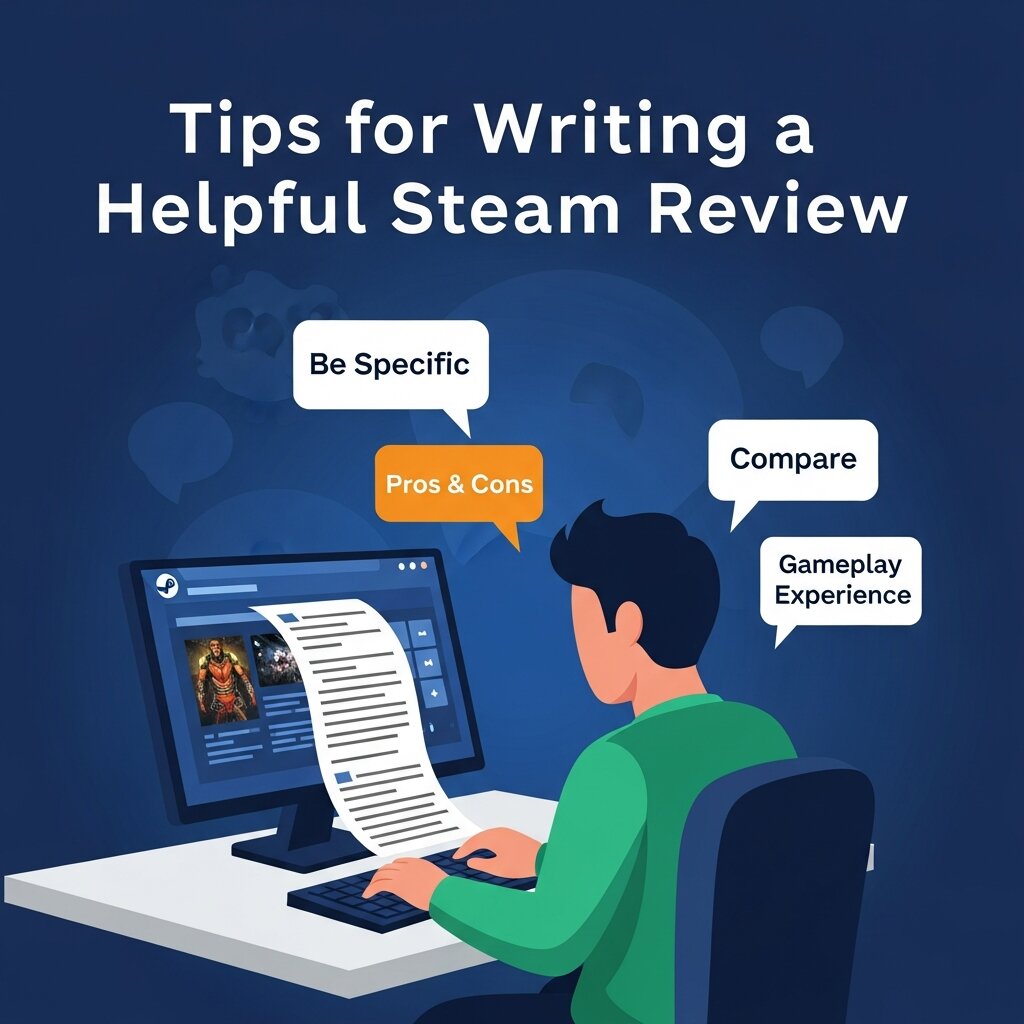 Posting a review is easy. Writing one that actually helps people takes a little more effort. Here are some tips to make your review stand out.
Be Honest and Specific
Vague reviews like “great game” or “it sucks” don’t help anyone. Instead, explain what you liked or disliked. Did the combat feel satisfying? Were the load times painfully long? Specific details give readers something concrete to work with.
Mention Who the Game Is For
Not every game suits every player. A slow-paced strategy title might bore an action fan but delight someone who loves planning. Tell readers what kind of player will enjoy the game. This context helps the right people find their next favorite.
Cover the Good and the Bad
Even games you love have flaws, and games you hate might have redeeming qualities. A balanced review feels more trustworthy. Point out both strengths and weaknesses so readers get the full picture.
Keep It Readable
Break up long blocks of text. Use short paragraphs, and consider listing pros and cons. A clean, scannable review is far more useful than a giant wall of words. This advice works well whether you’re casually sharing thoughts or writing structured review games for students in an educational setting.
Avoid Spoilers
Don’t ruin the experience for others. If you must discuss a major plot point, warn readers first. Better yet, focus on gameplay and mechanics rather than story details.
Skip the Jokes (Mostly)
Funny reviews can be entertaining, but they often don’t help buyers make decisions. A clever one-liner might get plenty of “funny” votes, yet leave readers no wiser about the actual game. If you want to crack a joke, pair it with real insight.
Common Mistakes to Avoid
A few habits can weaken even a well-meaning review. Watch out for these.
Reviewing too early: Posting a review after ten minutes of play rarely reflects the full experience. Give the game a fair shot before passing judgment.
Letting one bug ruin everything: A single crash is frustrating, but it might not represent the whole game. Try to weigh your overall experience rather than one bad moment.
Writing emotionally: It’s fine to be passionate, but a review fueled by pure anger or hype often reads as unreliable. Take a breath and aim for fairness.
Ignoring updates: Games change over time. A review that complained about launch-day problems may be outdated if those issues are long fixed. Revisit and update old reviews when it makes sense.
How Steam Uses Your Reviews
Your review does more than sit on a store page. Steam factors it into the game’s overall rating, which appears as a colored summary like “Very Positive.” These ratings update as new reviews come in.
Steam also separates reviews into two groups: recent reviews and all-time reviews. This split helps shoppers see whether a game’s reputation is improving or declining. A game might launch poorly but recover after patches, and the recent reviews will reflect that turnaround.
Other players can mark your review as helpful, funny, or unhelpful. Reviews with more helpful votes rise to the top, getting more visibility. So a thoughtful, well-written review has a better chance of being seen by the people who need it.
Understand Steam Review Visibility and Rankings
 Not all Steam reviews receive the same level of exposure. Steam’s system highlights reviews based on factors such as helpful votes, recency, and player engagement. Reviews that provide useful insights and receive positive community feedback are more likely to appear near the top of the review section. This increased visibility allows your opinion to influence more potential buyers. If you want your review to reach a wider audience, focus on writing clear, informative, and balanced feedback that helps other players make informed decisions. The more valuable your review is to readers, the greater the chance Steam will showcase it prominently.
Why Updating Your Steam Reviews Matters
Games often evolve long after their initial release through patches, expansions, balance changes, and new content updates. A review written at launch may no longer accurately reflect the current state of the game months or years later. Revisiting and updating your reviews helps provide more relevant information for potential buyers. If developers have fixed major issues or introduced improvements, acknowledging those changes creates a fairer assessment. Likewise, if new problems emerge, updating your review keeps it accurate. Regularly refreshing your feedback ensures that your reviews remain useful and trustworthy for the Steam community.
Frequently Asked Questions
1. Can anyone review a game on Steam?
No. You must own the game through Steam before you can post a review. Steam only allows reviews from users who have the game in their library, helping ensure feedback comes from actual players.
2. How much playtime should I have before reviewing a game?
There is no minimum requirement, but spending several hours with a game usually leads to a more accurate review. More playtime helps you evaluate gameplay, performance, content quality, and overall player experience fairly.
3. Can I edit my Steam review after posting it?
Yes. Steam allows users to edit, update, or delete reviews at any time. This is especially useful when developers release updates, fix bugs, add content, or make changes that affect your opinion.
4. Do Steam reviews affect a game’s rating?
Yes. Every review contributes to the game’s overall review score. Positive and negative reviews help determine ratings such as “Mostly Positive,” “Very Positive,” or “Overwhelmingly Positive” displayed on the store page.
5. Can I review a free-to-play game on Steam?
Yes. If you’ve played a free-to-play game through your Steam account, you can leave a review just like you would for a purchased title. Your feedback helps other players evaluate the game.
6. What makes a Steam review helpful?
Helpful reviews provide clear details about gameplay, performance, graphics, story, and overall experience. Balanced opinions, specific examples, and honest feedback give readers useful information they can use before making a purchase.
7. Should I include spoilers in my review?
It’s generally best to avoid spoilers. Many players read reviews before buying a game. If discussing major story events is necessary, provide a warning so readers can decide whether to continue reading.
8. Can other users interact with my Steam review?
Yes. Other Steam users can mark your review as helpful, funny, or unhelpful. Reviews that receive more helpful votes often appear higher on the game’s review section and gain more visibility.
9. Why are recent reviews important on Steam?
Recent reviews reflect the current state of a game. Since developers frequently release updates and patches, recent feedback helps potential buyers understand whether the game has improved or declined over time.
10. Can developers remove negative Steam reviews?
No. Developers cannot remove legitimate negative reviews simply because they disagree with them. As long as reviews follow Steam’s community guidelines, both positive and negative opinions can remain visible on the platform.
Start Sharing Your Gaming Opinions
Learning how to review a game on Steam is quick, but learning to write reviews that genuinely help takes a bit of practice. The steps themselves are simple: own the game, find its store page, choose your recommendation, and write your thoughts. The real value comes from being honest, specific, and fair.
Every review you post adds to a massive library of player feedback that helps gamers everywhere make smarter choices. Your experience matters, and someone out there is looking for exactly the insight you can offer.